Buy the print version or the electronic version


I want to convert a color pdf to black and white pdf in specific mode I want to convert all text in red or green in black (not in gray).
gs -o output.pdf \
-sDEVICE=pdfwrite \
-dBlackText=true \
-dBlackVector=true \
-sColorConversionStrategy=Gray \
-dProcessColorModel=/DeviceGray \
input.pdf

Token-Oriented Object Notation (TOON) is a compact data format designed to reduce token usage when passing structured information to Large Language Models (LLMs), achieving 30-60% fewer tokens compared to standard JSON.
It simplifies syntax by eliminating unnecessary punctuation and using a more readable structure, making it ideal for applications that frequently interact with LLMs
https://github.com/toon-format/toon
Example:
JSON: (41 Token)
{
  "users": [
    { "id": 1, "name": "Alice", "role": "admin" },
    { "id": 2, "name": "Bob", "role": "user" }
  ]
}
TOON: (21 token)
users[2]{id,name,role}:
  1,Alice,admin
  2,Bob,user
User the tool https://toonifyit.com/
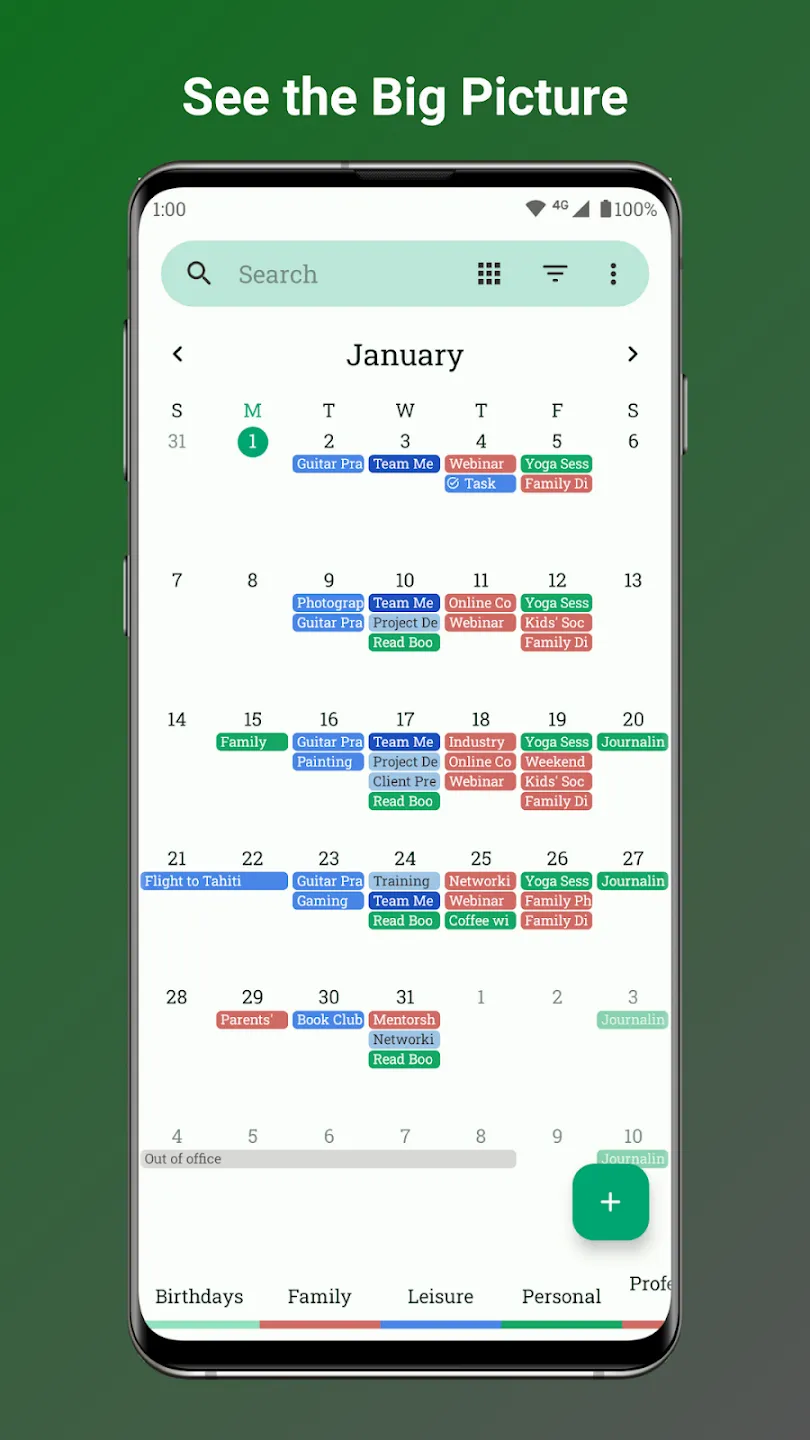
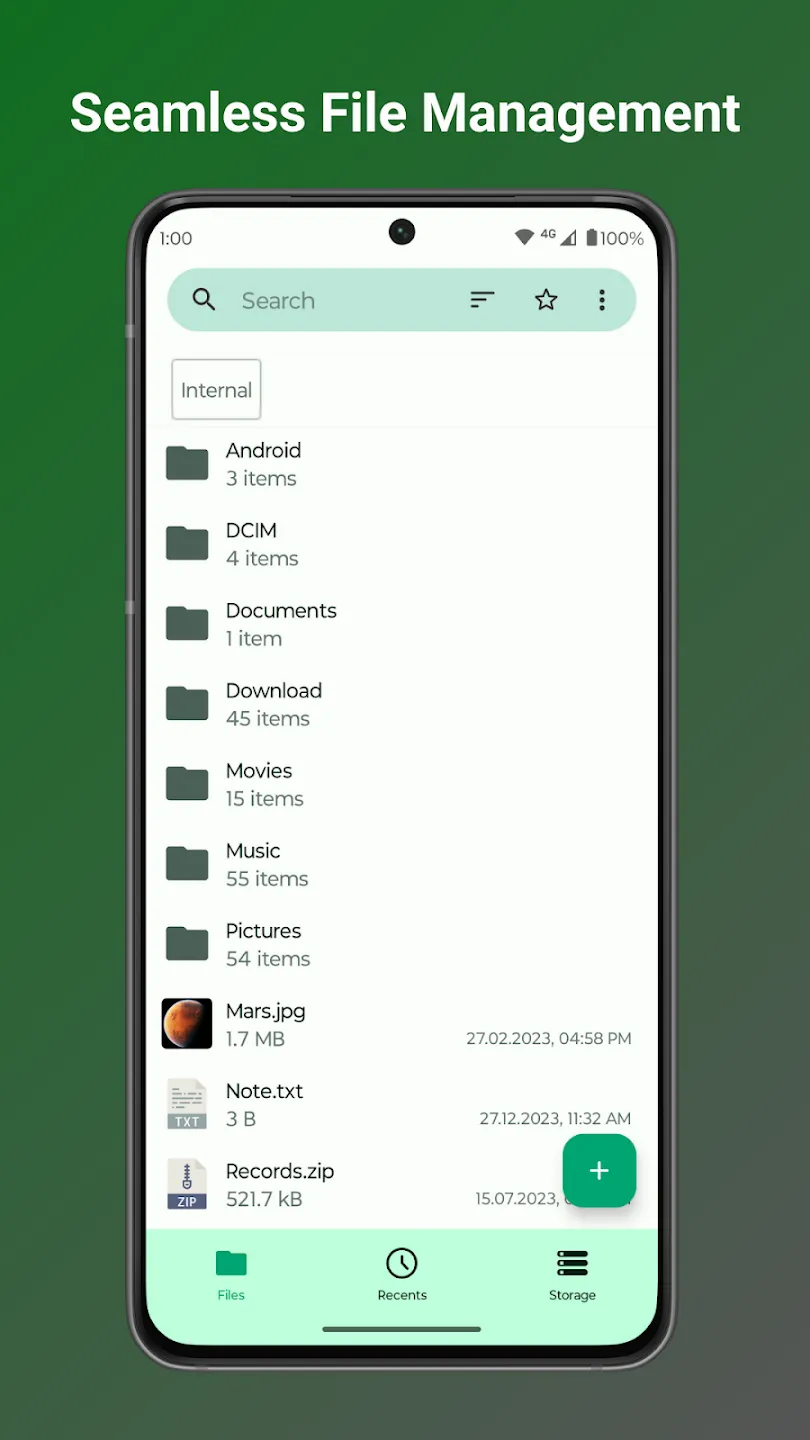
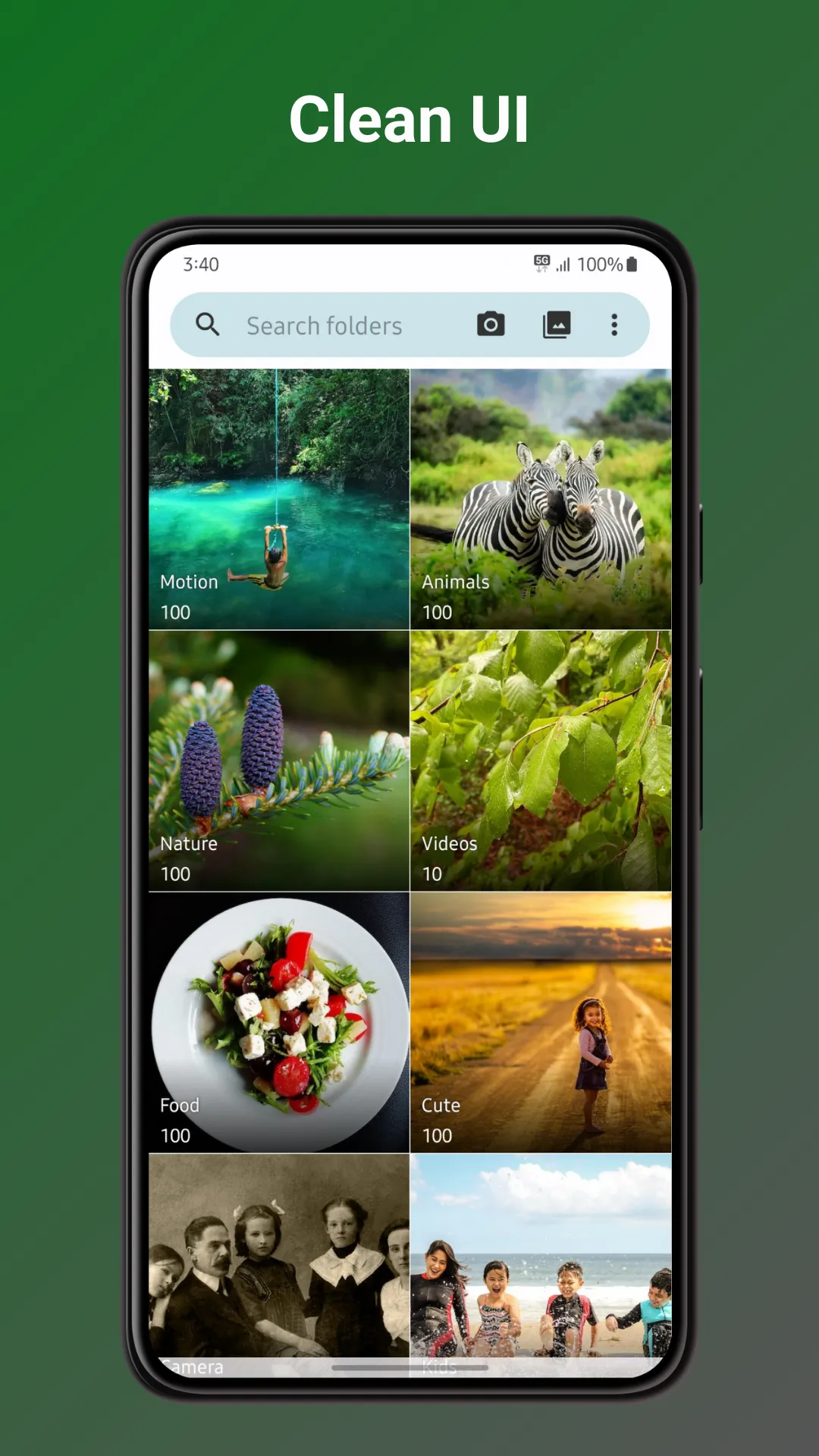
What is F-Droid? F-Droid is an installable catalogue of FOSS (Free and Open Source Software) applications for the Android platform. The client makes it easy to browse, install, and keep track of updates on your device.
https://f-droid.org/
Here you can download many apps as:


Use the following command:
>mkvpropedit old_title.mkv --edit info --set "title=new_title"


Step 1 - Installa the following package
    sudo apt install imagemagick

Step 2 - Use the following command:
convert *.jpeg my_pdf.pdf
The command above might yield an “operation not allowed” error. Fortunately, we
can easily fix it by executing:
sudo sed -i 's/^.*policy.*coder.*none.*PDF.\*//' /etc/ImageMagick-6/policy.xml
or better:
sudo gedit /etc/ImageMagick-6/policy.xml
add or change the row at end of the file (just before </policymap>) with the following:
<policy domain="coder" rights="read | write" pattern="PDF" />
$pattern = '/[a-zA-Z0-9._%+-]+@[a-zA-Z0-9.-]+\.[a-zA-Z]{2,}/';
if ($file = fopen("a.vcf", "r")) {
    while(!feof($file)) {
        $line = fgets($file);
       if (preg_match($pattern, $line, $matches)) echo $matches[0]."\n";
    }
    fclose($file);
}