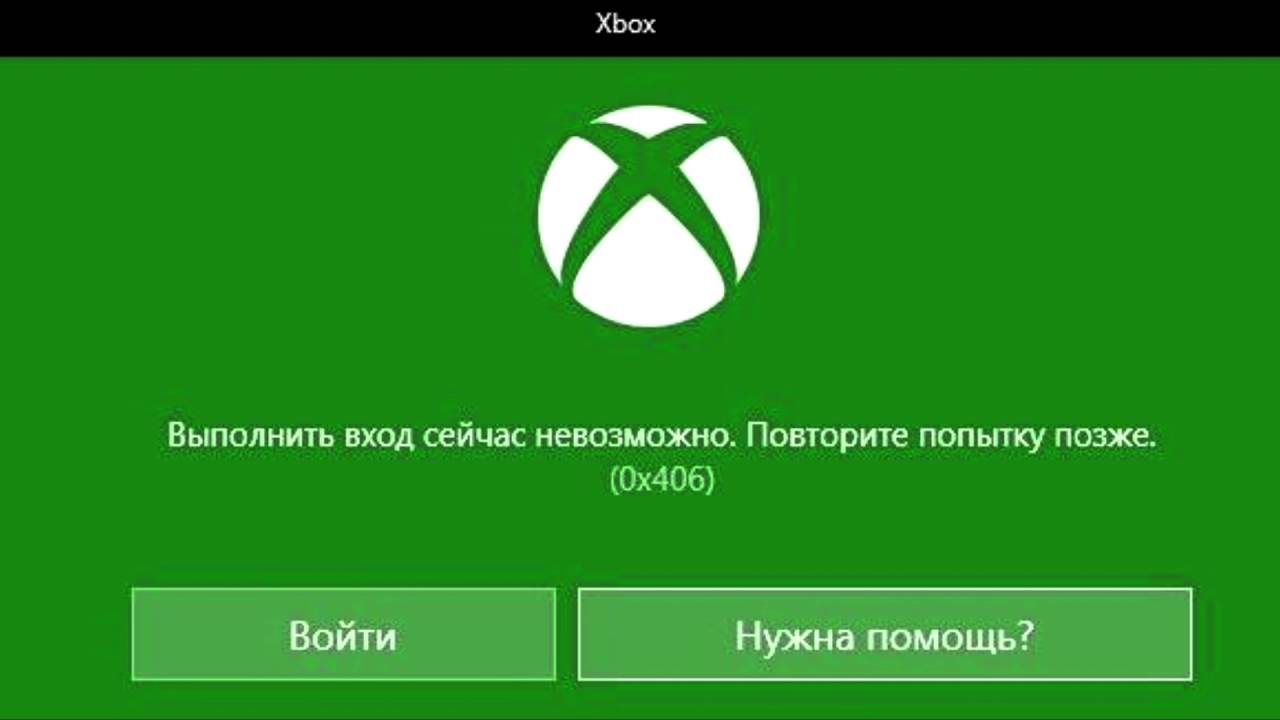
Run Powershell as Administrator and run the following commands:
Get-AppxPackage *windowsstore* | Remove-AppxPackage
Get-AppxPackage *xboxapp* | Remove-AppxPackage
Now, restart your computer
When windows is on, re-open Powershell as administrator and run the follow command:
Get-AppxPackage -AllUsers| Foreach {Add-AppxPackage -DisableDevelopmentMode -Register “$($_.InstallLocation)\AppXManifest.xml”}
Go in windows store and you check if xbox app is installed otherwise install it.
Run xbox and now the app is connected.
Good luck.


